Having found all of that old boot media in my spindle upon spindle of CDs, I acted on the temptation to install all of those archaic operating systems. In order to truly gauge where we are in technology, sometimes we have to look back to see how bad things really did suck from a user’s perspective.
I am using Microsoft Virtual PC 2007 in order to install all of these operating systems without messing with any physical hardware. Call me constructively lazy, but the software optimizes the “hardware” so I don’t have to. I can just have a little fun.
Windows 3.11
Yes... I said Windows 3.11. All of us who are over 20 years old have used it. We just choose not to talk about it.
I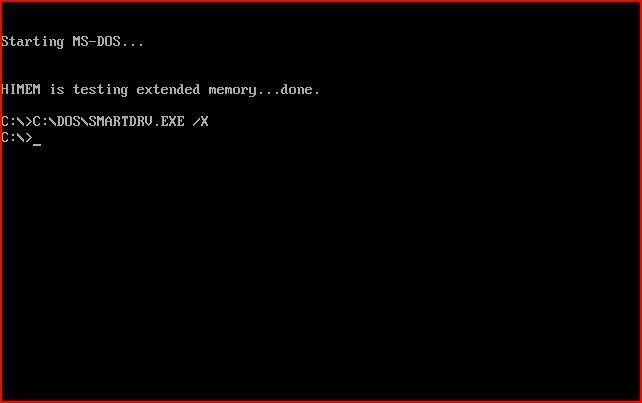
I had to set the VM options such that it thought it was running with a 16 bit 386 computer! Just to add to the insanity, I also gave it 128MB of RAM!
Nowhere else in the iterations of Windows is it more apparent that DOS-based Windows is just an application than with version 3.11. Windows 3.11 all the way up to Windows ME was just a graphical f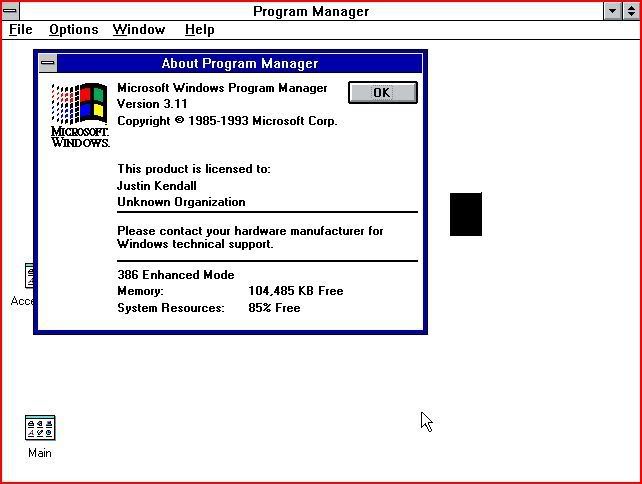
I haven’t used Windows 3.11 in decades. Even though it only took about 45 seconds booting from an ISO, it was a real pain in the ass to install. The graphics and features that came with this version of Windows were just plain awful. It is unbelievable that people actually voluntarily paid money for this at one point in time. Thank God Windows 95 came out. (I never thought I would say that!)
I can see that not much changed in the way of Solitaire from Windows 3.11 to XP.
Windows 95
Windows 95 was a lot easier to install than I had remembered. Of course, installing 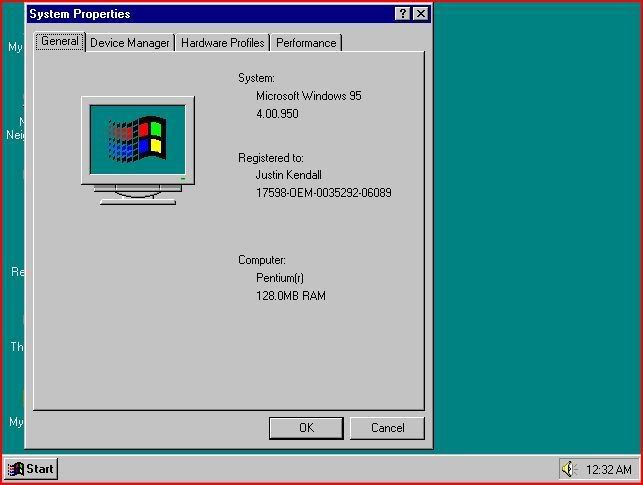
Installation took about ten minutes. Even with the advanced set-up it was a breeze. Getting the thing to go to the internet was difficult, if not damn-near impossible! I can’t imagine an average computer user out there manually configuring their DNS settings and Default Gateway. That is unfathomable even by today’s standards! I never did get that working. It really wasn’t worth my time.
Windows 98 (SE)
This is a version of Windows that most people didn’t see the point in giving-up until Windows XP became commonplace. I was working with Win 98 on a regular basis up until about 2003. Still today, it is usable on slower computers for people who may not have the money for a faster computer or an OS upgrade.
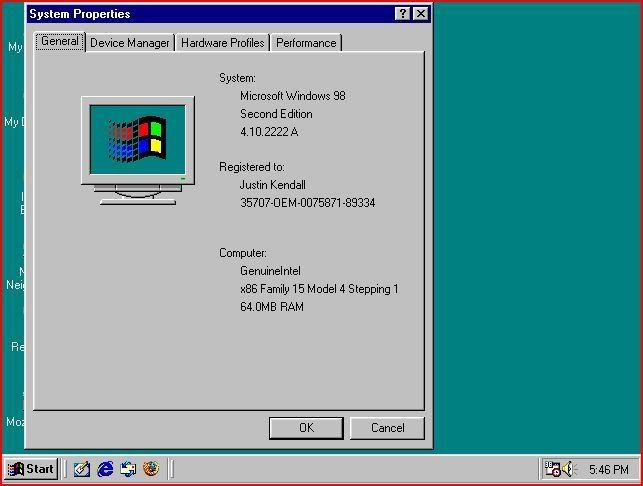
I did, however, enjoy the fact that the setup program automatically formatted the “hard drive” so I didn’t have to tool around in DOS with fdisk as I had to do for both Win 3.11 and Win 95.
Windows 98 was a big improvement over Windows 95 in many respects. But to the average user, only the little aesthetic things changed. It was much more stable than its predecessor in that it didn’t rewrite its own registry like a virus. It supported more memory. It also supported larger hard drives and partitions with the “new” FAT32 file system. This FS is still commonly used to transfer files from a Linux installation to a Windows installation in a dual boot environment due to the fact that many operating systems still support FAT32.
Another huge improvement over Win 95 was the “Automatically Detect IP/DNS Settings” feature. Getting online was sooooo much easier.
If Windows XP wasn’t as successful as it was, I think I would still be working with Windows 98.
Windows ME
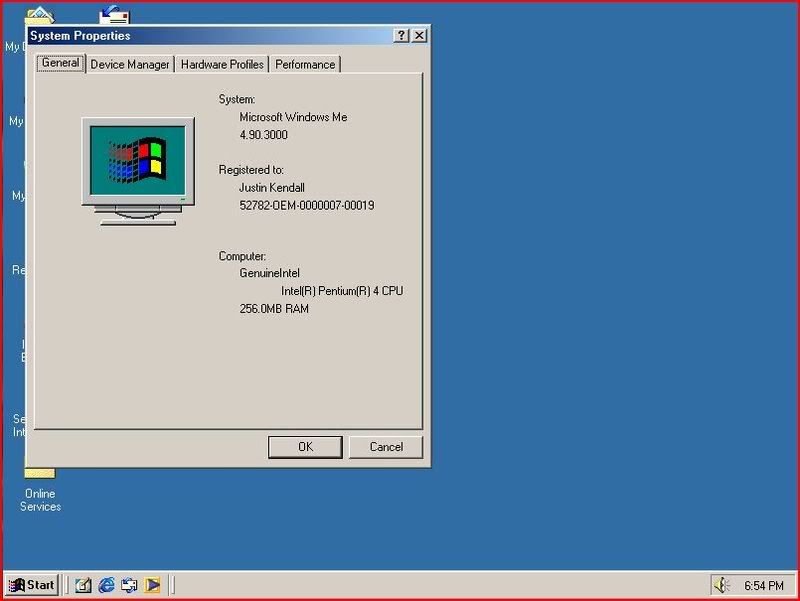
This version of Windows is another one that we don’t talk about… EVER! But I am anyway. Microsoft made this aberration of an operating system in 1999 and then stopped supporting it six months later. It was the worst train wreck of an OS that Microsoft has ever had the nerve to release. On the plus side, this OS has made me more money than any other with people wanting to upgrade to something more stable… like Windows 98!
The installation process reminded me of Windows 95. Only with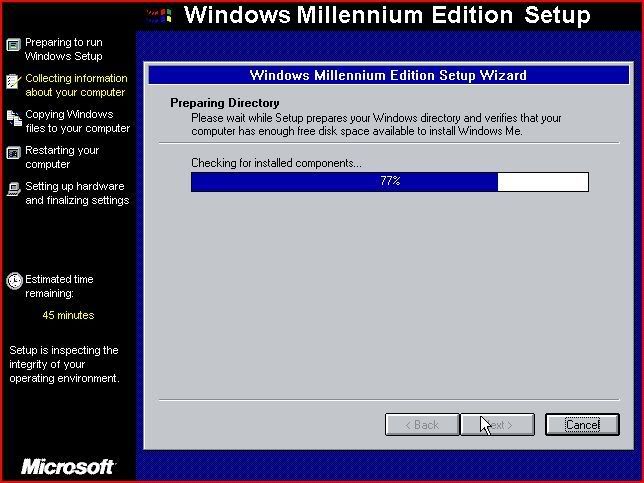
I immediately started having problems after the first restart. It’s a wonder Microsoft put their name on such a product.
Windows 2000
This version of Windows wasn’t used by very many people outside of the business world. It is still used today by many corporations due to the fact that it is a solid, secure and scalable 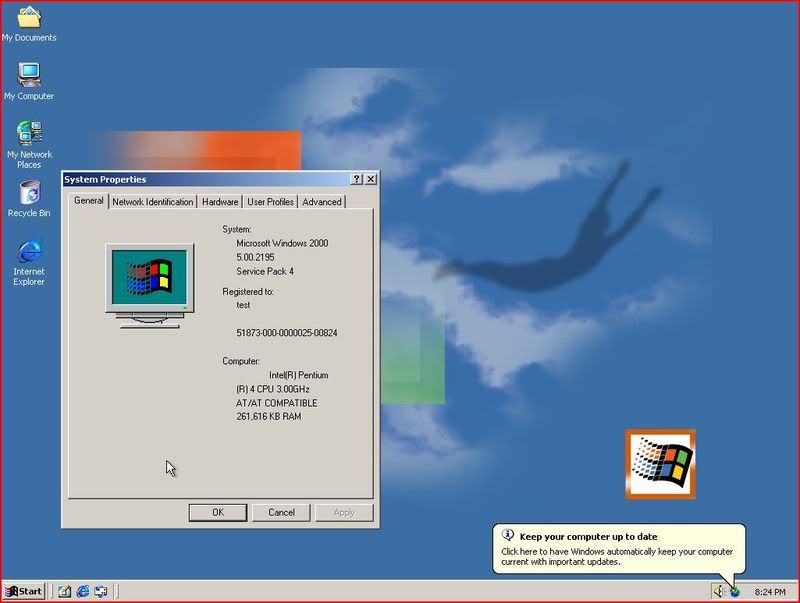
I used Windows 2000 for a number of years at home and at work. I really enjoyed the fact that it didn’t randomly crash as much as Windows 95 and 98 did. Also, when I was poor and couldn’t afford to buy a copy of Windows XP, all of the programs that would work on Windows XP would work with Windows 2000! Windows 2000 was NT version 5.0 and XP was version 5.1. There is not much of a difference really. Windows XP is nothing more than Windows 2000 with some user-friendly bells and whistles throw-in.
Having installed it on Virtual PC, it is still as endearing to me today as it was six years ago.
Conclusion
Microsoft has progressed in its approach to user-friendliness and IT guy friendliness with the Windows installation process and Windows desktops. As much as the Mac guys like to poke-fun at PCs for being more Business-centered, I can see that they have shifted computers f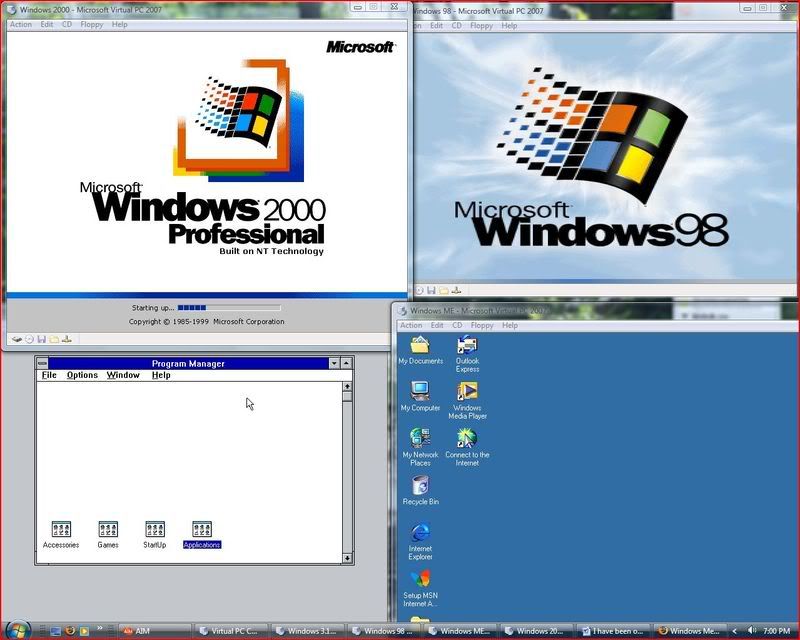
In a way Microsoft has also regressed and then came-back in security. Windows 95 through 2000 at least gave users the option of having a password right after installation. XP didn’t offer this feature but it did return with Windows Vista. Windows 3.11 doesn't really count. But with the addition of Active Directory, Service Pack Releases, anti-viral and other security applications, security has improved for the business and home users.
Having done this, I'm wondering what it is going to be like when I do this again in twenty years. Oh my God! How did we ever live back in those days with Windows XP and Vista?!


1 comment:
Can you believe I still have a copy of CP/M? It's on a 5.25" floppy. I don't have the drive, but I have the disk!
Thanks for sharing this. Very cool!
Post a Comment